
Total Folder
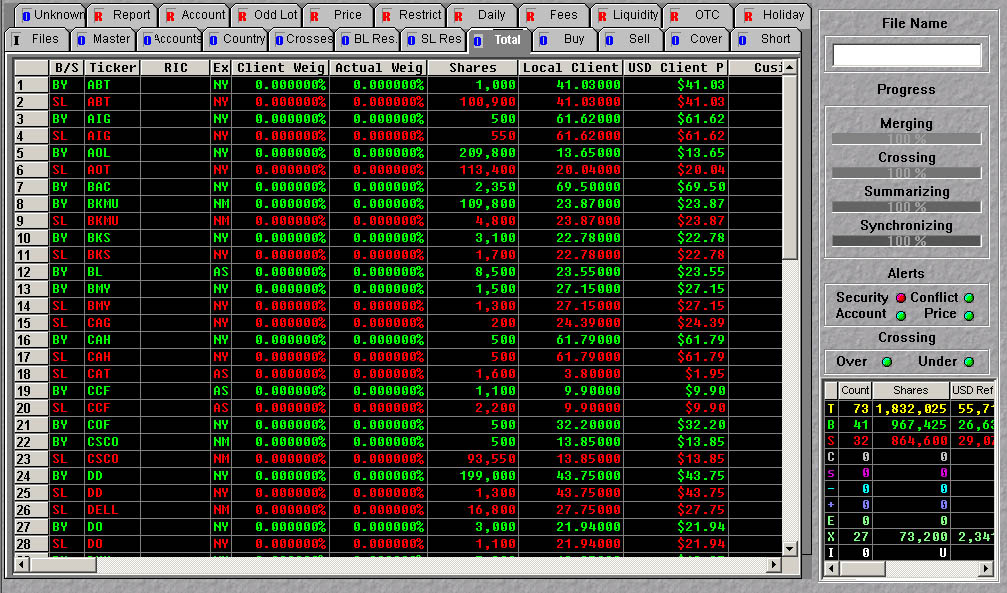
The Total folder provides a summary of the orders and
allocations. It displays weights,
shares, USD and local price, company name, sector, all associated
street side security identifiers, local, and USD principals., account
allocations, internal account numbers, comments, restriction notations, primary
exchange, execution exchange, liquidity, and lot size.

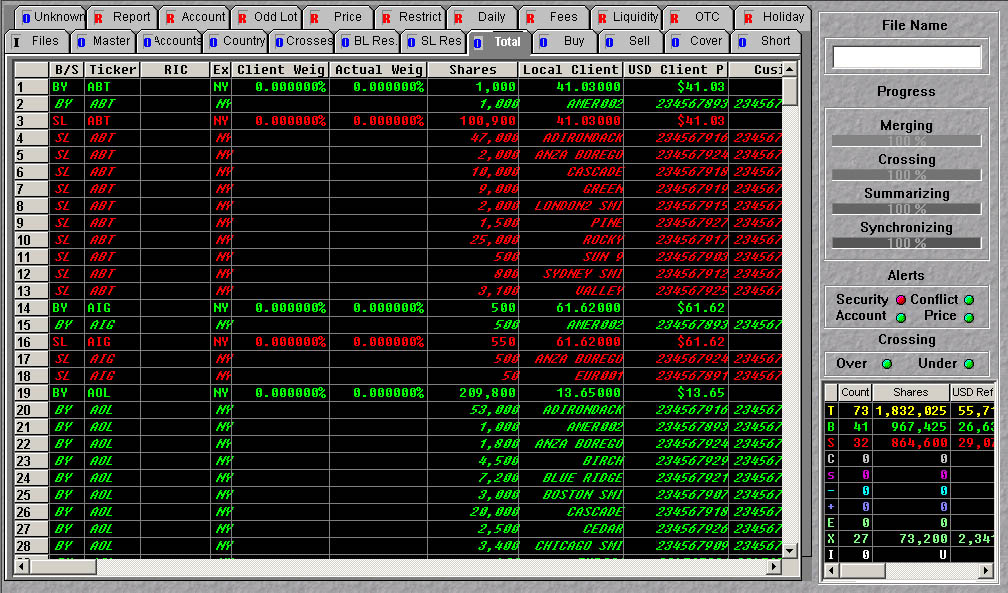
The Sub-Account button
on
TIE™’s toolbar allows
you to toggle between
the orders and the
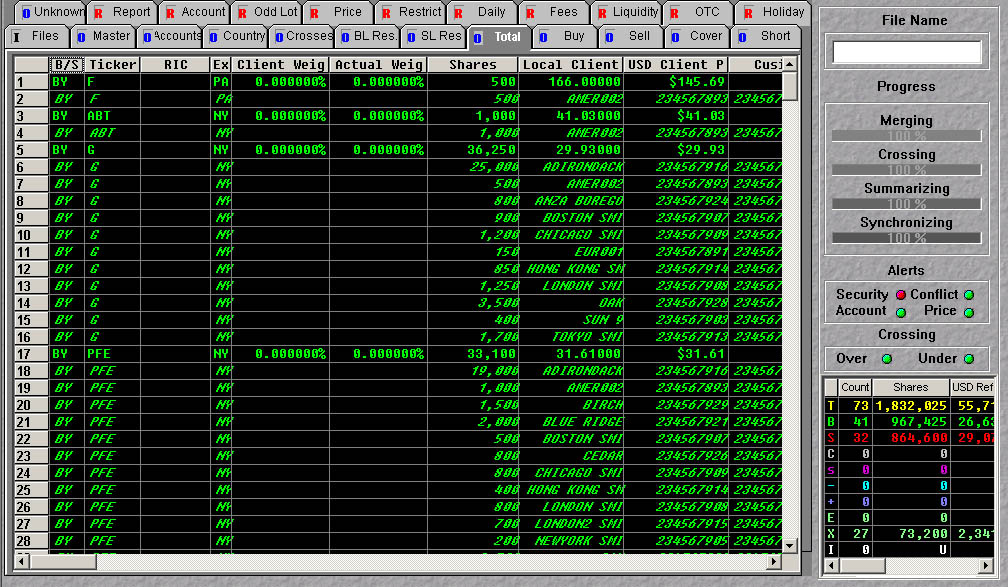
allocation-view.The Total folder can be sorted according to the criteria in any of the columns by holding down
the Control
key and double-clicking your mouse on a column header.
Order Summary
Allocation view
Sorted by side